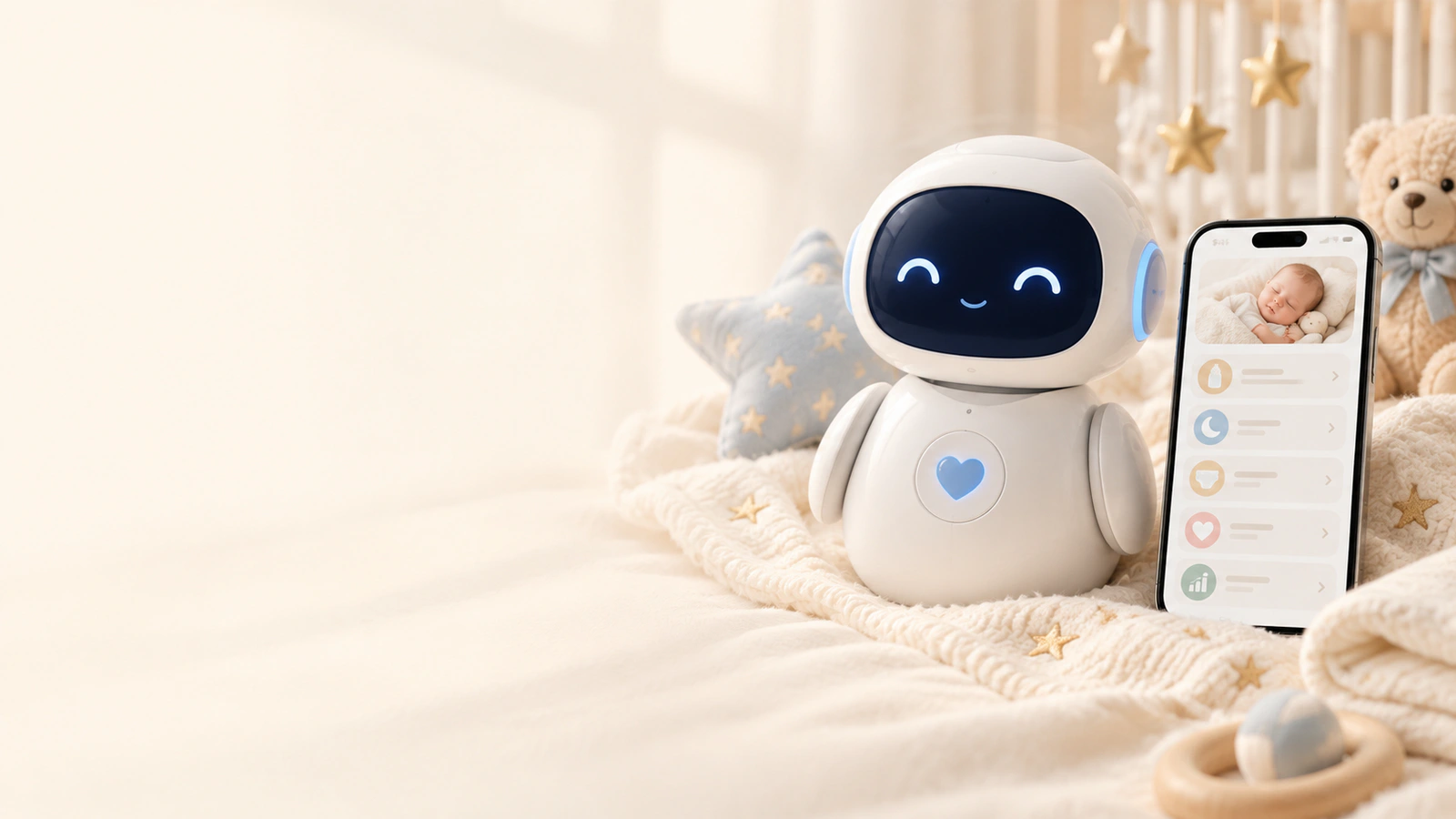
STARTING RECORDS
Start with what you already know.
Initial setup uses the latest feeding, diaper change, and sleep so the first Smart Assistant view has real context from the start.
Smart Assistant organizes the records you already enter — feeding, sleep, and diapers — then combines them with your baby's age to show a possible next step and important reminders for the day.


You do not enter the same information twice. Smart Assistant takes the latest recorded feeding, diaper, and sleep, then combines them with your baby’s age to build a view of what may come next.
See how it looks in the appOne record. A clearer next step.
Time, age, and the day’s rhythm stay connected.feeding · sleep · diapers
Initial setup uses the latest feeding, diaper change, and sleep so the first Smart Assistant view has real context from the start.
When feeding and sleep are close together, they can appear as one routine instead of two unrelated cards.
If an estimated time has already passed, the app asks for a new entry before using that information again for the next step.

Smart Assistant does not create a separate log. The latest feeding, diaper, and sleep records you already saved, together with your baby’s age, help it show what was recorded most recently and which step may come next.
Alongside upcoming steps, it can show a medication reminder, daily Vitamin D, or low diaper supply. When upcoming feeding and sleep are close together, the app can combine them into one routine card. If an estimated time has passed, it asks for a fresh record before rebuilding the view; once you add a feeding, diaper, or sleep entry, the order updates to match the actual flow of the day.
Feeding, diaper, and sleep times, together with your baby’s age, form the basis of the view. When you add a new record, Smart Assistant reorganizes what is relevant now.
Smart Assistant uses existing records and active reminders already available in the app. It does not create a new schedule; it simply places them in one view when you need context.
Feeding, diaper checks, and rest appear according to the time that was recorded or estimated.
When upcoming feeding and sleep are close enough in time, Baby Genesis can combine them into a single routine card.
During nighttime sleep, Smart Assistant does not highlight routine steps in the same way as during the day, while medication reminders keep their own priority.
A daily Vitamin D reminder and low diaper inventory can appear among upcoming cards when those features are active.
When an estimated time has passed, the card clearly shows that a new record is needed before the next updated view.
Smart Assistant can see the time and type of records you saved, your baby’s age, sleep duration, and active reminders. You see the real baby in front of you and decide what comes next.

Records, priorities, and reminders stay together when you need a quick answer.

Download Baby Genesis free on iPhone or Android. No subscription is required for core tracking.